Update the Schedule Before You Send the Message
When the announcement goes out before the schedule is updated, families end up with two versions of reality. Here's the habit that keeps your schedule trustworthy.

This is the first post in a series about operational trust: the small habits that make families believe the schedule is current, the messages are relevant, and the system reflects reality.
Here’s how it usually happens. The pool calls and Saturday’s practice moves from 8:00 to 9:30. The coach is at work, or in the car, or halfway through dinner. Fastest move? Fire off a quick message: “Heads up, practice is 9:30 now.” Done. They’ll update the app later.
Later is where the trouble starts.
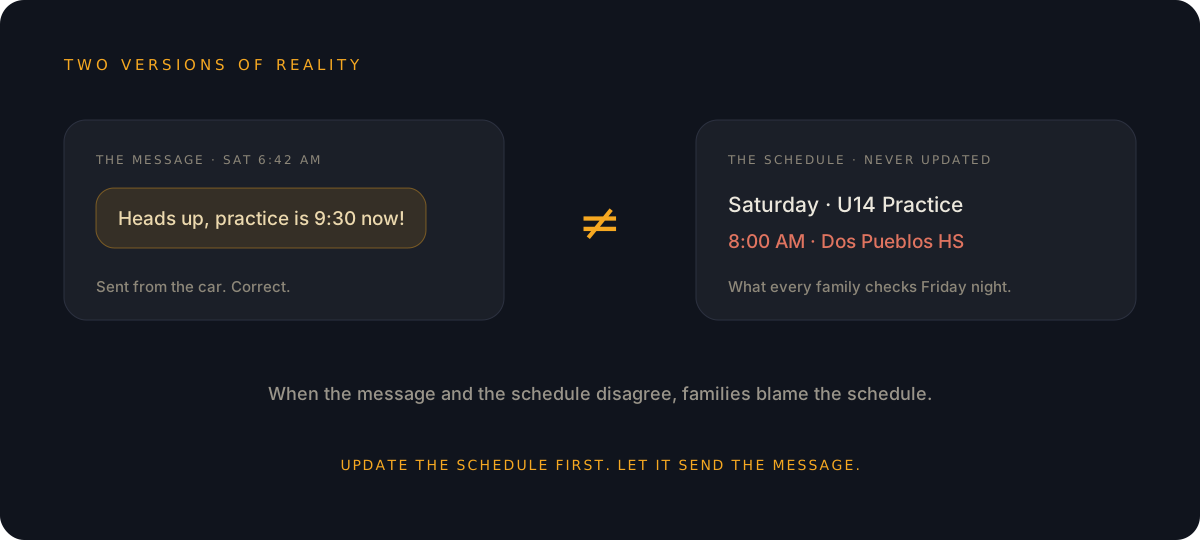
Two versions of reality
The moment that message lands, your club has two sources for the same fact: the message thread says 9:30, the schedule still says 8:00. Maybe the app gets updated that night. Maybe it gets updated wrong, because the coach typed it from memory. Maybe it doesn’t get updated at all, because life happened.
Now picture the parent checking on Friday night. The app says 8:00. They vaguely remember a message about a change, but was that this Saturday or last? So they scroll back through the thread, cross-checking a text against an app, trying to figure out which one to believe.
The system takes the blame
Here’s the part that stings: when the message and the schedule disagree, families don’t blame the message. They blame the schedule. “The app is always out of date.” The tool ends up wearing the mistake, even though the workflow caused it, and every mismatch like this trains families to trust the app a little less. Once parents stop trusting the schedule, they go back to texting the coach to confirm, which is the exact busy-work the club was trying to escape.
The habit: schedule first, then say it
Flip the order. When a time changes, update it in Rostered first. Take thirty seconds to get the time, location, and date right in the one place families are supposed to trust. Then let Rostered do the announcing: it notifies the people on the event, and the calendar feeds families subscribe to update on their own.
If you want to send a personal note too, great. Send it after the schedule is right, and let it point to the schedule rather than compete with it: “Saturday’s practice moved, details are in Rostered.”
You typed the change once, into the record that matters. No typo in a hurried text becomes the official time. No one has to reconcile a thread against an app.
The payoff
Clubs that build this habit get something better than a tidy calendar. They get families who check the schedule and believe it. Fewer “is practice still at 8?” texts. Fewer parents at the wrong pool at the wrong time. And a coach who answers schedule questions with one sentence: “It’s in Rostered.”
The practical rule: if the change isn’t in the schedule yet, it isn’t ready to announce.
Rostered keeps schedules, RSVPs, and notifications connected, so a change entered once reaches everyone it affects. See how it works or get your club rostered.